Workshop flow
Follow vehicles from check-in through inspections, estimates, repairs and handover.
 VarajenAuto AI⌕ Find a part type, category or systemSearch →

From the service bay to the parts counter. Discover parts, bring your business online and keep every journey moving.
Give every job, part and decision its place. The public directory helps you explore reference part types; your private workspace connects the records your business runs on.
Follow vehicles from check-in through inspections, estimates, repairs and handover.
Search your catalog, track stock and connect the right part to the right job.
Keep vehicle history and service conversations close to the work they support.
Help the front desk, technicians and parts counter work from a shared view.
Bring existing CSV or Excel files in with a preview before saving new SKUs.
Manage access by tenant and location so people see the records they need.
Connect the moments that usually live in different tabs, spreadsheets and conversations.
Start with the customer and vehicle record, then capture what needs attention.
Build an estimate, check parts and organize the repair tasks.
Follow approvals, parts reservations and progress in the same workspace.
Complete quality checks and take the job through invoice and handover.
Browse every category, from service essentials to workshop equipment. Photos show representative components, not stocked products.
Component references · Check your location for stock
Photographs are part-type or category examples. Photo credits and sources
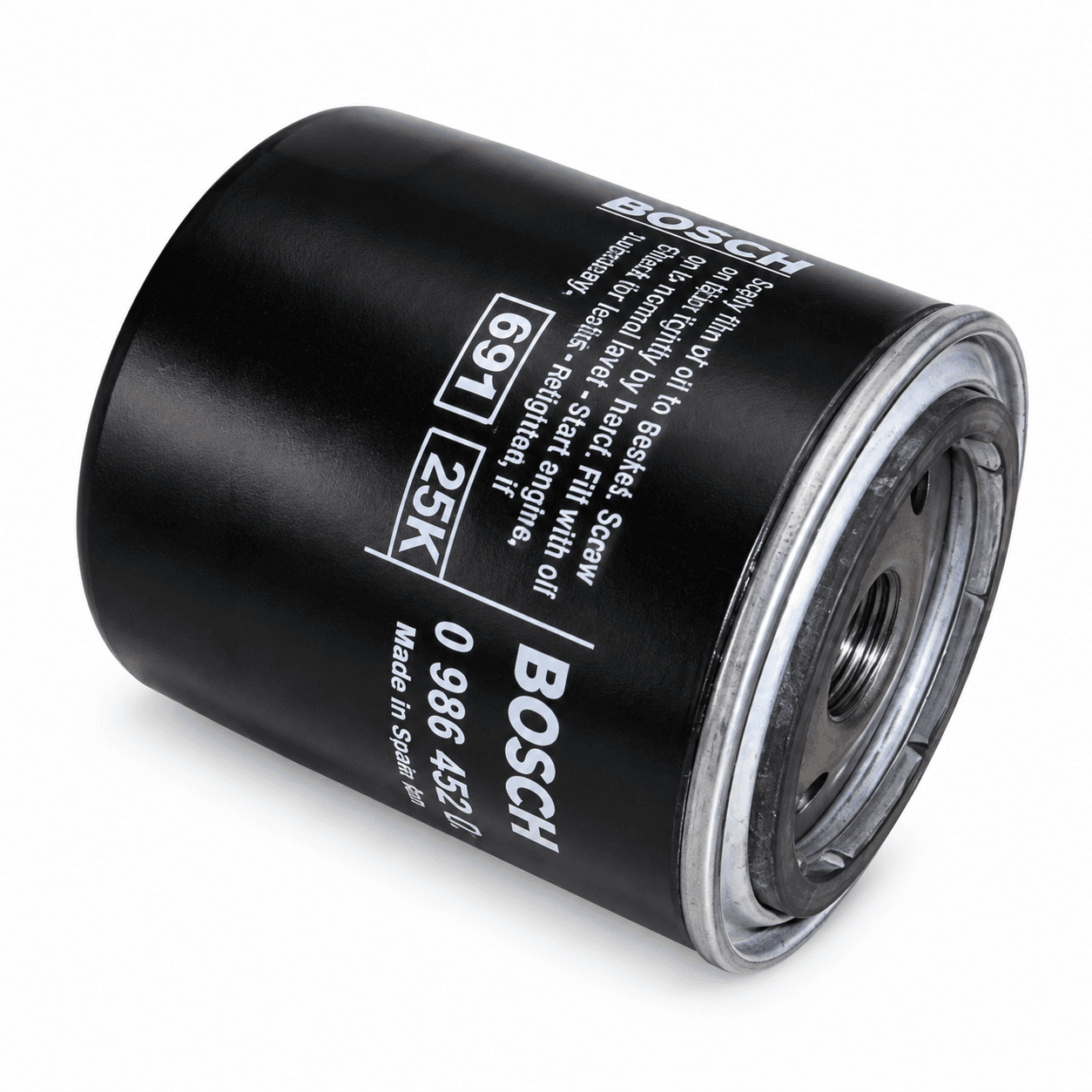 Part-type example: Oil filter
Keep routine servicing moving.
Browse →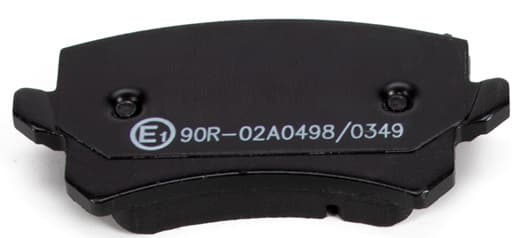 Part-type example: Brake pads
Start with the braking system.
Browse →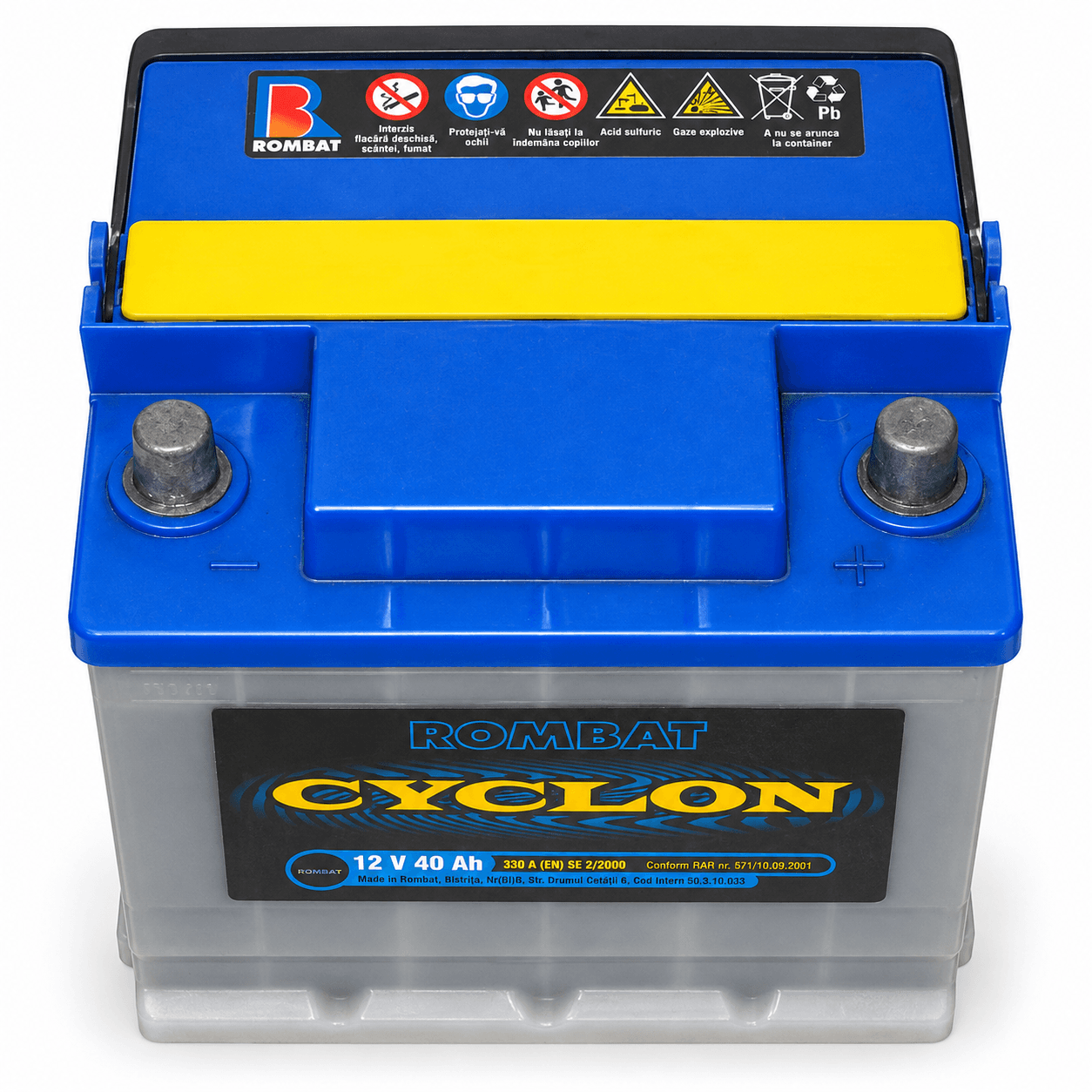 Part-type example: Car battery
Power for the next journey.
Browse →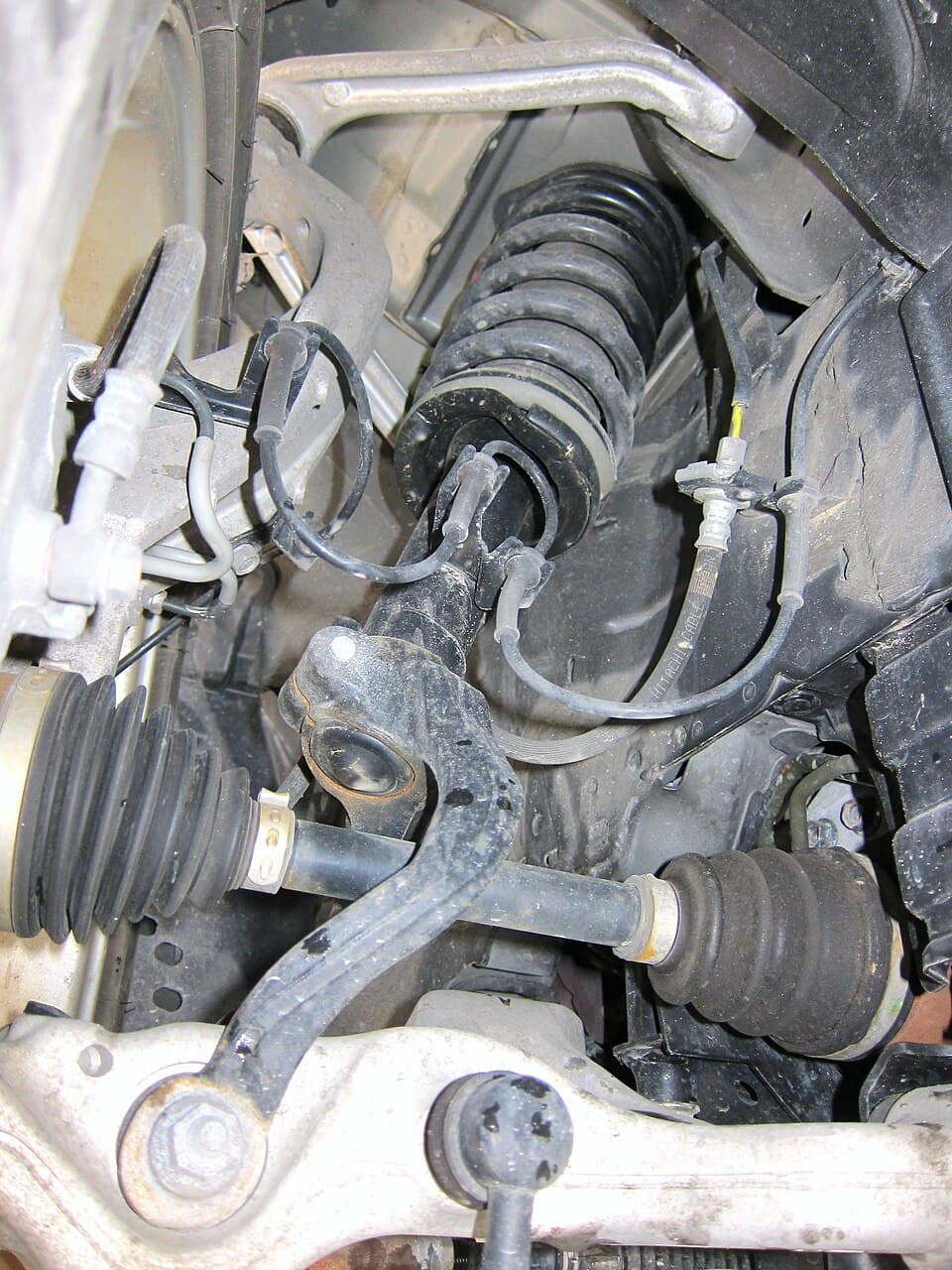 Part-type example: Shock absorber
Restore control and comfort.
Browse →Photographs show representative components. Actual product brands, pricing and availability come from your tenant’s inventory.
Explore our India and USA vehicle reference directories.
Keep customers, vehicles, inspections, estimates and repair progress connected. Bring parts into the job and follow invoices through to payment.
Turn your inventory into a searchable catalog. Manage suppliers, purchasing, stock movements and counter sales across your operating locations.
Upload your CSV or Excel file in the Parts workspace. Review SKUs, prices, quantities and fitments before anything is saved.
New SKUs · Up to 500 rows per file · 2 MB maximum
Keep manufacturer and brand details with each SKU. Ask the supplier to confirm the source, warranty and specification before you buy.
OEM refers to original equipment manufacturers; OES refers to original equipment suppliers. Aftermarket parts may come from other manufacturers. These labels alone do not establish fitment or quality. Check the exact manufacturer number and the supplier’s documentation.
Make and model are the beginning. Market, model year, engine and variant can change which part fits.
Use the vehicle documents to confirm the details. Compare the supplied part number and fitment information. A match in the vehicle reference directory is not proof that a particular SKU fits.
One SKU per row, clear names and prices in the selected location’s currency make a useful starting point.
Use the provided template headers. Format SKUs as text to preserve leading zeros. Remove formulas and extra worksheets. Import opening quantities only for new SKUs; use purchases and stock counts for later inventory changes.
This is a part-type reference directory. Sign in to your tenant workspace for your catalog, pricing, stock and counter-sales workflow.
Yes. Tenant administrators with inventory permissions can download a CSV or .xlsx template in Parts, preview a file and confirm new-SKU imports. Existing SKUs are flagged rather than overwritten.
Yes. Configure legal companies and operating locations by country, state and city. Location currency is INR for India or USD for the USA.
Registration submits your business details for onboarding review. Workspace access is arranged separately.
Your inventory belongs to your tenant. Workspace access requires membership and location permissions. The public directory contains shared reference names, not your prices, quantities, customer records or uploaded files.
Each tenant configures its own storefront information. Confirm the applicable seller’s delivery, warranty and return terms before completing a transaction.
Bring your workshop, parts counter and team into one connected workspace.
Register your business